Salve Dicas is an independent product comparison platform. We may earn a commission when you click through.
The 10 Desk and Monitor Buys That Make a Laptop Setup Better
From a £27.99 compact desk to a 27-inch QHD touchscreen, these picks solve the most common home-office setup mistakes.
A laptop on the sofa works for a day. After that, your back, cables and concentration start sending complaints. This comparison focuses on the surrounding kit that makes a laptop setup genuinely usable: desks, monitors, storage and the small accessories people usually forget.
The biggest mistake is buying by appearance alone. Measure the room first, check whether the desk depth suits your monitor, and leave space for charging cables. A £27.99 desk that fits properly beats a £200 workstation that turns your room into an obstacle course.
Quick Picks
Best overall desk: VASAGLE Computer Desk with Drawers.
Best budget desk: VASAGLE 80 x 50 cm Computer Desk.
Best monitor: 27-inch 2K Touchscreen Monitor.
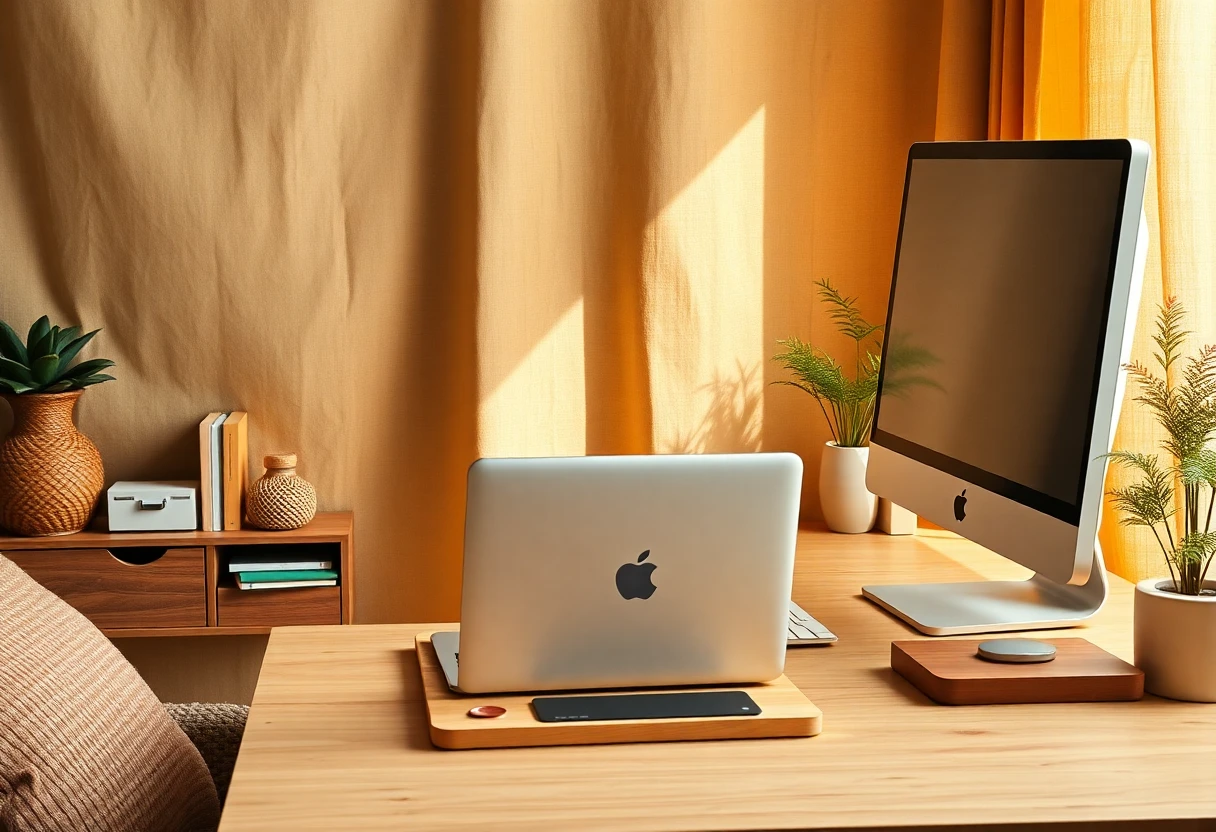
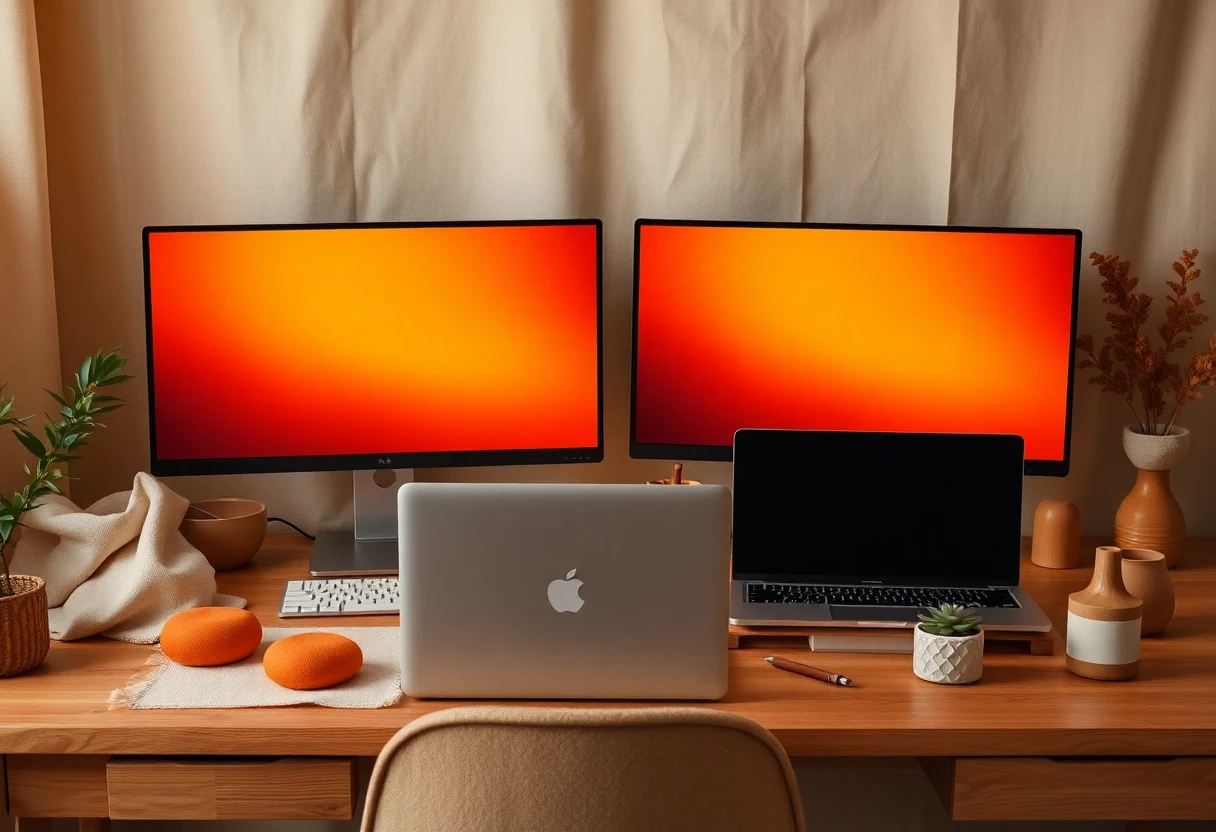
Desks for Small Rooms and Everyday Work
Desk dimensions matter more than a product photo suggests. The 80 cm model below is easy to place, while the 160 cm model gives you room to spread out. Neither replaces measuring your wall and chair clearance first.
VASAGLE Computer Desk
At £27.99, this is the cheapest desk in the group and the easiest recommendation for a bedroom corner or temporary home office. Its 80 x 50 cm footprint keeps the room open, but that shallow depth leaves little space once a monitor, keyboard and notebook are in place. Best for a laptop user with limited floor space who wants a basic workstation without storage taking over the room.

VASAGLE Computer Desk with 3 Drawers
The £57.99 VASAGLE adds three drawers and three open shelves, so it solves the clutter problem the smaller desk leaves behind. Its 120 x 50 cm surface is more practical for a laptop plus monitor, although the same 50 cm depth still limits how far back a large screen can sit. Best for a home worker who needs stationery, cables and documents close by rather than scattered across the floor.

VASAGLE Computer Desk
At £59.99, this 160 x 60 cm desk gives you the most working width for only £2 more than the drawer-and-shelf model. That extra 40 cm makes a real difference if you use two devices or keep paperwork beside the laptop. The compromise is obvious: storage is not listed, so cables and accessories need their own solution. Best for a remote worker with a clear wall and enough room for a generous work surface.

Somdot Computer Desk with 8 Drawers
Eight fabric drawers make this £65.99 Somdot more about organisation than desk space. The 120 x 48 cm surface is slightly narrower than the main VASAGLE desk, and fabric drawers are better for light items than heavy equipment. Still, it is a sensible answer for people who hate visible clutter and need separate places for chargers, notebooks and small office supplies.

Coleshome Corner Computer Desk
The £79.99 Coleshome corner desk uses a 140 x 80 cm footprint to turn an awkward corner into a proper workstation. That larger depth is the key advantage over the 50 cm-deep desks above, especially with a monitor and full-size keyboard. It will take more planning and floor space, but a corner layout can free the centre of a small room. Best for a home office that needs a dedicated corner setup rather than a narrow wall desk.

COSTWAY Computer Desk
The COSTWAY desk costs £95.95 and adds a hutch, drawer, power outlets, USB and USB-C ports. Those charging points are useful, but they also make cable planning more important: check where the mains socket sits before assembly. Compared with the cheaper desks, you are paying for integrated storage and charging rather than a larger desktop. Best for someone building one fixed work-study station and tired of loose chargers everywhere.

Backpack for Men and Women
A £26.99 laptop backpack is not desk furniture, but it matters if your workspace changes during the week. The listing describes it for school, work and business use, so it fits a portable setup rather than a permanent office. Check the laptop compartment dimensions before ordering because the title does not specify a maximum device size. Best for a commuter carrying a laptop between home, work and study spaces.

The desk group shows a useful pattern: the cheapest price is not always the lowest total cost. A narrow desk may force you to buy extra storage, while a wider surface can prevent a second furniture purchase. Measure the chair clearance, wall width and monitor depth before choosing.
Monitors That Change the Laptop Experience
A second screen can make a laptop feel like a proper workstation, but refresh rate and resolution serve different people. A 160Hz display is aimed at gaming; a QHD touchscreen is more useful for detailed work and flexible interaction.
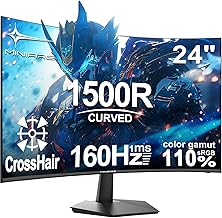
Minifire 24 Inch Gaming Monitor
The £79.99 Minifire is the gaming-focused pick, with a 24-inch curved screen, Full HD resolution and a listed 160Hz refresh rate. That high refresh rate matters for fast games, but it does not automatically make office work sharper; Full HD is less spacious than QHD for documents and creative software. Best for a gamer who wants a low-cost external screen and already has a desk deep enough for a curved display.
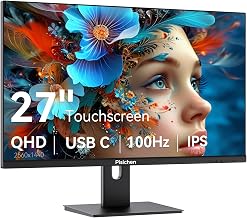
27 Inch 2K Touchscreen Gaming Monitor
At £229.99, the 27-inch touchscreen monitor is the serious workstation upgrade. Its listed QHD 2560 x 1440 resolution, 100Hz refresh rate, IPS panel, USB-C, HDMI, DisplayPort and built-in speakers cover far more everyday uses than the cheaper gaming screen. The price is high beside a £79.99 Full HD monitor, and touchscreen usefulness depends on your laptop and operating system, but the extra resolution and connectivity are easier to justify for long work sessions.
One detail many shoppers miss: a monitor can have a high refresh rate and still be a poor productivity choice if its resolution is modest. Pick the Minifire for motion and gaming; pick the 27-inch QHD model for workspace, sharper text and broader connectivity. Also check your laptop ports before assuming USB-C will carry video and power.
The Small Accessory That Prevents a Silly Purchase
Accessories should solve a specific problem, not fill a basket. The final pick is cheap enough to be useful, but only if your laptop or headphones actually use the connection.
Nylon Braided 3.5mm Aux Cable
At £2.89, this 1 m braided 3.5 mm aux cable is the lowest-cost item here and a practical backup for wired headphones, speakers or a car connection. It cannot replace Bluetooth or USB-C, and many newer laptops omit a headphone socket, so check your ports first. Best for someone with compatible analogue audio equipment who wants a spare cable without paying for features they do not need.

A Five-Minute Buying Framework
Choose the £27.99 VASAGLE if your room is tight and you use a laptop alone. Move to the £57.99 drawer version if storage matters more than maximum width. Pick the £59.99 160 cm desk if you want space for two devices and already have storage elsewhere.
Choose the Coleshome for a corner layout, or the COSTWAY if integrated charging and a hutch justify the extra spend. Add the backpack only when you genuinely carry the laptop between locations, and buy the aux cable after checking the port rather than before.
For screens, the £79.99 Minifire makes sense for gaming on a budget. The £229.99 QHD touchscreen model is the better long-workday purchase if you will use its resolution, USB-C and touchscreen. That is the honest split: refresh rate for play, resolution and connectivity for work.
Once the desk is chosen, the next question is how to complete the setup without buying random extras. The guide The Laptop Setup Pieces Worth Buying Under £220 continues with the accessories that earn their space.


