Salve Dicas is an independent product comparison platform. We may earn a commission when you click through.
The Best Monitor Setup Buys Under AED 500
Seven monitors compete on price, refresh rate, and size, but the AED 75 Philips model delivers the smartest everyday upgrade.
Quick Picks
Best overall: Philips 24 Inch Monitor.
Best budget: 19-inch Full HD Monitor.
Best for a larger desk: Amazon Basics 27-inch Monitor.
I compared the monitor listings by size, refresh rate, panel type, connectivity, and price. The surprising result: the cheapest screen is not the smartest buy, while the AED 75 Philips gives you the best balance for ordinary work, study, and laptop use.
The Everyday Winners: 24 to 27 Inches
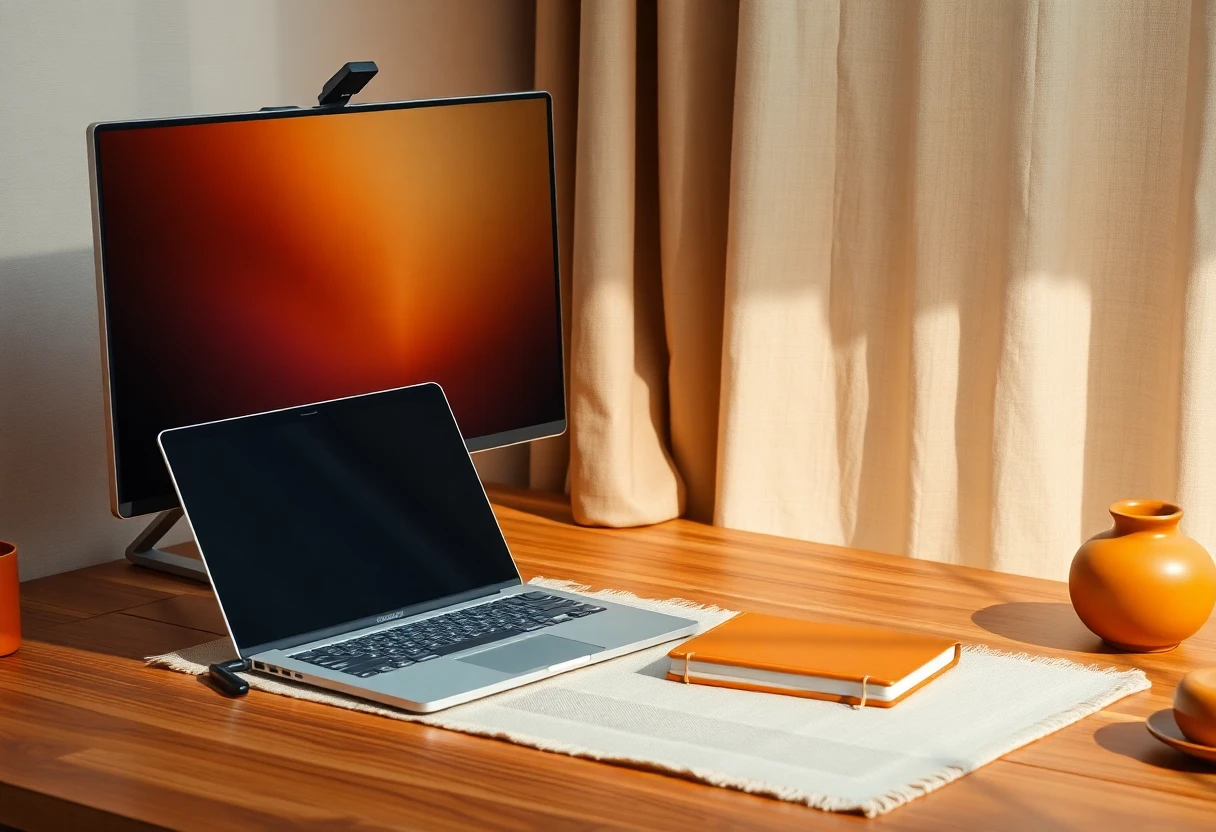
Most people do not need a gaming display or an oversized panel. They need a screen that makes spreadsheets, browser tabs, and video calls less cramped. The 24-inch Philips leads this group because its price is unusually close to the smallest monitor here, yet its listed 100Hz refresh rate gives scrolling a smoother feel.
Philips 24 Inch Computer Monitor
At AED 74.99, the Philips 24-inch model is my pick for most laptop owners. Its Full HD resolution, 100Hz VA panel, VESA support, and flicker-free specification cover the basics without pushing the price into gaming-monitor territory. The 24-inch size also keeps Full HD looking reasonably sharp from a normal desk distance. The limitation is simple: the listing does not show USB-C, so laptop users may still need an adapter or dock. Best for home workers and students who want a smoother second screen without spending more than AED 100.

Philips 27 Computer Monitor
The 27-inch Philips costs AED 99.99, exactly AED 25 more than the 24-inch version. You get more physical workspace, the same Full HD resolution, 100Hz refresh rate, VA panel, VESA support, and eye-care positioning. That extra size helps with side-by-side windows, but Full HD spreads across a larger surface, so text may look less crisp than on the 24-inch model. I would pay the difference only if your desk is deep enough to keep the screen at a comfortable distance. Best for office users who value screen area over pixel density.
Amazon Basics 27-inch Computer Monitor
Amazon Basics undercuts the larger Philips at AED 99.99 while listing a 27-inch IPS panel, 120Hz refresh rate, HDMI, DisplayPort, and VESA compatibility. That specification mix is more flexible than the Philips models, especially if a desktop computer uses DisplayPort. IPS also makes more sense for shared viewing angles, while 120Hz is a small but welcome step above 100Hz. The catch is that the listing gives less detail about eye-care features and long-term image quality. Best for desktop users who need both HDMI and DisplayPort at a low price.

Samsung Essential S3 Series FHD Curved Computer Monitor
Samsung asks AED 129.99 for a 27-inch FHD curved display with an 1800R curve. That makes it the most expensive screen in this everyday group, but the curve is a preference rather than a productivity upgrade for everyone. Compared with the Amazon Basics model, the Samsung listing provides less visible detail about refresh rate and ports in the supplied data. I would choose it only if you specifically like curved panels and want a familiar manufacturer. Best for a single-user desk where the curved shape matters more than maximum specifications per dirham.

SANSUI Curved Monitor
The SANSUI 27-inch curved monitor costs AED 115.99 and lists 120Hz plus USB Type-C, which is the most interesting laptop-friendly detail in the entire group. USB-C can simplify a modern desk setup, but the listing does not explain whether it carries video, power, or both, so buyers should confirm that before ordering. Its 27-inch Full HD format also shares the text-sharpness compromise of the larger Philips. Best for laptop users who want a curved screen and are willing to verify the USB-C implementation first.

19-inch Full HD Thin Monitor
At AED 61.90, this 19-inch monitor is the cheapest genuine display in the comparison. It lists a 75Hz refresh rate, anti-glare treatment, HDMI, VGA, and a 1440 x 900 resolution. That last figure is not Full HD, despite the product title using the phrase Full HD, so buyers should not expect the same workspace as the Philips 24-inch. The compact size may suit a narrow desk, but the lower resolution makes it a compromise rather than a bargain winner. Best for basic documents, a small workstation, or replacing an old VGA display on the lowest possible budget.

Bill Tracker Notebook Monthly Bill Payment Checklist
The Bill Tracker Notebook costs AED 9.99, but it does not belong in a monitor comparison. It is a monthly bill-payment checklist with more than 100 pages, so it may help organize the purchase budget, not improve a laptop setup. I am leaving it out of the ranking rather than pretending it competes with a display. Best for someone tracking household payments, not for anyone shopping for computer hardware.

The monitor cluster shows a clear pattern: the AED 75 Philips is the sensible middle ground, while the cheapest screen saves only AED 13 but gives up Full HD. The curved models add shape and, in SANSUI’s case, possible USB-C convenience, yet those extras need closer specification checks.
Accessories That Do Not Belong in This Setup
Two products in the supplied list are earbuds rather than monitors. They may connect to a laptop, but they solve an audio problem, not a display problem. I would not mix them into a monitor ranking just to reach a larger list.
TAGRY Bluetooth Headphones
The TAGRY earbuds cost AED 25.99 and list 60-hour playback, an LED power display, wireless charging, IPX5 water resistance, and a microphone. Those are useful laptop companions for calls or casual listening, but they are not alternatives to a monitor. The product title also packs in many claims without the supplied page data showing call quality, codec support, or comfort details. Best for someone adding inexpensive wireless audio to a laptop, not for building a display setup.

Wireless Earbuds
At AED 13.98, these earbuds are the lowest-priced item that genuinely connects to the laptop-use theme, but only as an accessory. The listing claims Bluetooth 5.4, 48-hour playback, an LED display, ENC microphone, IPX7 water resistance, and stereo sound. That is a lot of specification for very little money, so I would treat the claims as features to verify rather than proof of better audio than TAGRY. Best for a backup pair kept in a laptop bag, especially when the priority is low replacement cost.

Who Should Pick What?
For most laptop owners: choose the Philips 24-inch monitor. It has the cleanest price-to-specification balance, Full HD resolution, 100Hz refresh, and VESA support for AED 74.99.
For a larger workspace: the Philips 27-inch gives you more room, but buy it only if you can sit far enough back for Full HD to remain comfortable.
For desktop connectivity: the Amazon Basics 27-inch is the sharper specification play because it lists both HDMI and DisplayPort alongside a 120Hz IPS panel.
For a narrow desk: the 19-inch model is acceptable, but remember that its listed 1440 x 900 resolution is below Full HD.
My honest favorite: the 24-inch Philips. It avoids the two mistakes I saw in this comparison: paying extra for a curve you may not need and saving too much by dropping below Full HD. Add the cheaper earbuds only if your laptop setup also needs basic wireless audio.
For a deeper comparison of the larger screens, including Samsung, SANSUI, and Amazon Basics, read 27-Inch Monitors Compared: Samsung vs SANSUI vs Amazon Basics.


