Salve Dicas is an independent product comparison platform. We may earn a commission when you click through.
The Laptop Extras Worth Buying Before Your Next Trip
From a A$11.87 stand to a A$129.99 power bank, these laptop accessories solve very different problems.
Quick Picks
Best overall laptop upgrade: UGREEN 130W Laptop Power Bank for high-output charging without the Anker price.
Best budget buy: Kamoon Laptop Stand at A$11.87.
Best for a mobile workstation: ARZOPA Portable Monitor if one laptop screen is slowing you down.
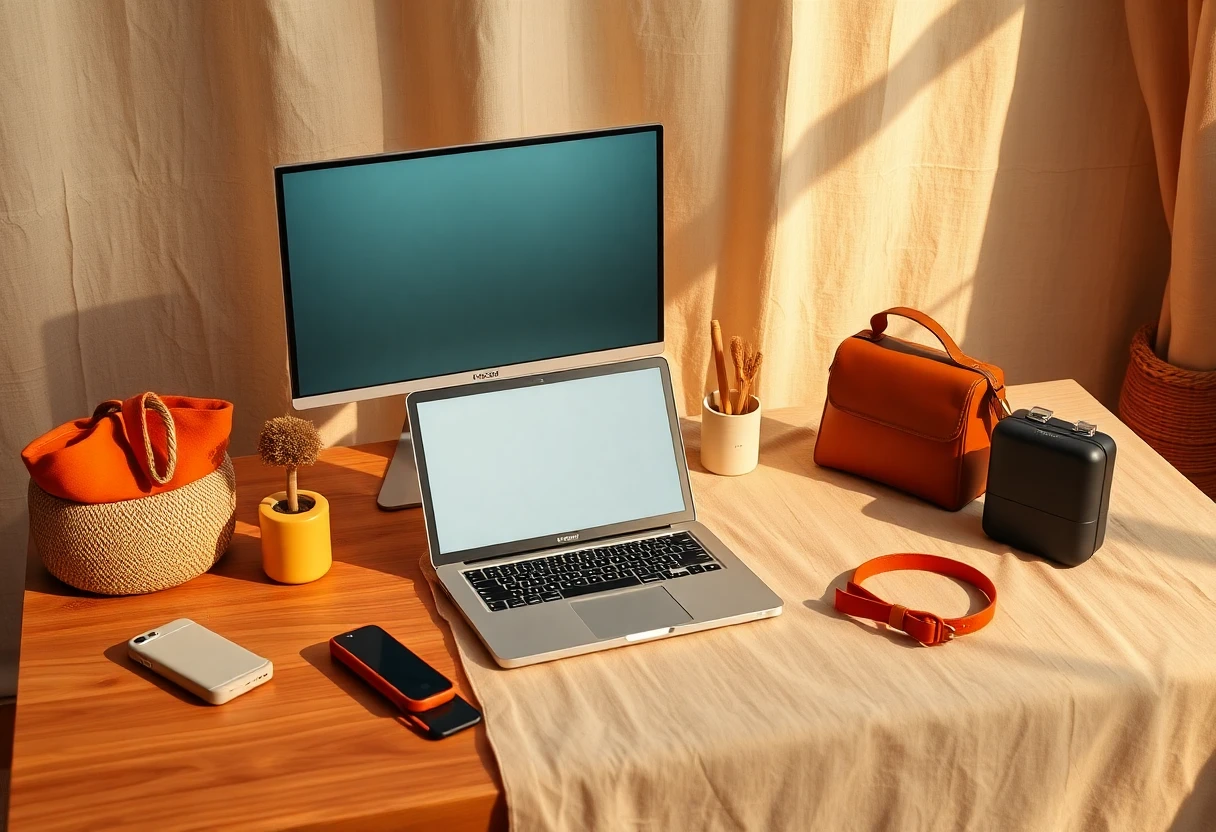
This list is a mixed laptop-accessory comparison rather than a laptop ranking: the MacBook Air and ACEMAGIC notebook are included for readers shopping for a computer, while the remaining picks improve portability, charging, printing, or storage.
Power and performance: the upgrades that affect your whole day
Battery anxiety is a bigger nuisance than a slightly slower processor. A portable charger can keep a laptop running away from a wall socket, while a new computer changes speed, battery life, and software compatibility from the ground up.
UGREEN Laptop Power Bank
At A$84.99, UGREEN gives you 20,000mAh capacity, 130W USB-C power delivery, and three ports. The listing shows a 4.5/5 rating from 5,040 reviews, which is stronger than the Anker 737’s 4.4/5 despite costing A$45 less on the supplied prices. I’d choose this for MacBook-class laptops and frequent travel, but check your laptop’s charging requirement before buying: a high wattage figure does not guarantee every model charges at full speed.

Anker 737 Power Bank
The Anker 737 pushes capacity to 24,000mAh and output to 140W, with a smart display that shows charging information. It also has the largest review count here, at 17,867, and a 4.4/5 rating. That extra capacity is useful on long travel days, but A$129.99 makes it harder to justify than UGREEN unless you specifically need the higher output and display. The supplied listing price is A$109.99, so check the live page before paying.
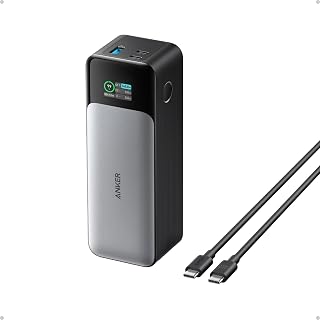
UGREEN wins on value; Anker wins on capacity and feedback volume. Neither replaces a wall charger for every laptop, and both add noticeable weight to a small bag. For a desk-bound setup, spending the difference on a stand or second screen will change your posture and workflow more.
Apple MacBook Air
The 13-inch MacBook Air listed here combines Apple’s M5 chip, a 10-core CPU, an 8-core GPU, 16GB unified memory, and 512GB storage for A$2,247. That is a serious jump from buying an accessory, but the compact size and memory allocation make more sense for demanding office work, creative apps, and long-term use than a cheap notebook with minimal RAM. The catch is simple: the supplied page data does not include a rating or battery figure, so this is a specification-led recommendation rather than a review-backed winner.

ACEMAGIC Laptop
ACEMAGIC takes the opposite route at A$812.24, pairing an i5-12600H processor with 24GB DDR5 RAM and a 512GB SSD. On paper, that memory advantage matters for heavy multitasking: lots of browser tabs, spreadsheets, and video calls should feel less cramped than on a 16GB machine. It is the better price-conscious computer pick, but the supplied data gives no rating, battery estimate, display details, or operating-system information. I’d buy it only after verifying those basics on the live listing.

The computer choice is clear by budget: the ACEMAGIC costs A$1,434.76 less than the MacBook Air on the supplied prices, while the MacBook offers a newer chip platform and a more premium positioning. Neither should be judged like a power bank. Confirm ports, battery life, warranty, and operating system before checkout; those missing details matter more than a processor label alone.
For independent specifications, compare the manufacturer information on the official MacBook Air page and verify the charger’s power requirements against your laptop documentation.
Portable workspace gear: more screen, less neck strain
A second display can save more time than a faster accessory, while a stand fixes the posture problem that comes from working directly on a low laptop keyboard. The prices here are far easier to swallow than a new computer.

Kamoon Portable Adjustable Laptop Stand
At A$11.87, the Kamoon stand is the easiest recommendation in this comparison. It is adjustable, foldable, made from aluminium alloy, and listed as compatible with 10- to 15.6-inch laptops and tablets. That is enough to raise the screen and reduce desk hunching without committing to a permanent monitor arm. The limitation is equally obvious: the supplied data does not confirm weight capacity, angle range, or stability with heavier machines. Buy it for portability, not for a large workstation laptop loaded with accessories.

ARZOPA 16.1'' Portable Gaming Monitor
ARZOPA costs A$159.99 and adds a 16.1-inch 1080p display, 144Hz refresh rate, 106% sRGB coverage, HDR, and a built-in kickstand. The supplied listing reports 4.4/5 from 2,675 reviews, giving it more evidence than the laptop stand. It makes sense for spreadsheets, editing timelines, and gaming on a laptop, but the value depends on your ports and cable setup. A second screen is wasted money if your laptop cannot drive it conveniently.

The Kamoon is the cheap ergonomic fix; ARZOPA is the productivity upgrade. I’d start with the stand for almost any laptop user, then add the monitor only after identifying a real second-screen task. The 144Hz specification is attractive for gaming, but office users should care more about resolution, colour coverage, connection compatibility, and whether the extra panel fits their bag.
MATEIN Laptop Backpack
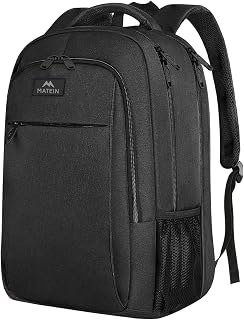
The MATEIN backpack is listed at A$45.99 and is built around an 18.4-inch format, water resistance, anti-theft details, and organised compartments. That makes it the practical travel carrier in this group, especially for a larger notebook plus charger and accessories. The supplied page data does not include a rating or confirmed laptop-sleeve dimensions, so measure your computer before ordering; an advertised bag size is not the same as a guaranteed internal fit.
Classic Messenger
Bellroy’s Classic Messenger costs A$164.25, while the supplied listing shows A$111.75 and a 4.6/5 rating from 13 reviews. Its 14-inch sleeve, smart pockets, and adjustable strap suit a smaller laptop and a more compact commute than the MATEIN. The price is difficult to defend on the limited review sample unless you specifically want a messenger format rather than a backpack. For heavier loads or larger laptops, MATEIN is the safer practical bet.

Bag choice comes down to load and laptop size. MATEIN carries the broader range of machine sizes; Bellroy is slimmer and more office-friendly but costs much more at the supplied price. Check the current measurements and seller details on the Amazon Australia product pages before ordering, since the displayed price data differs from several supplied page prices.
Small extras that solve very specific problems
Two products here are not laptop upgrades in the usual sense, but they can earn their place if your workflow needs them.
Rongta Thermal Portable Printer
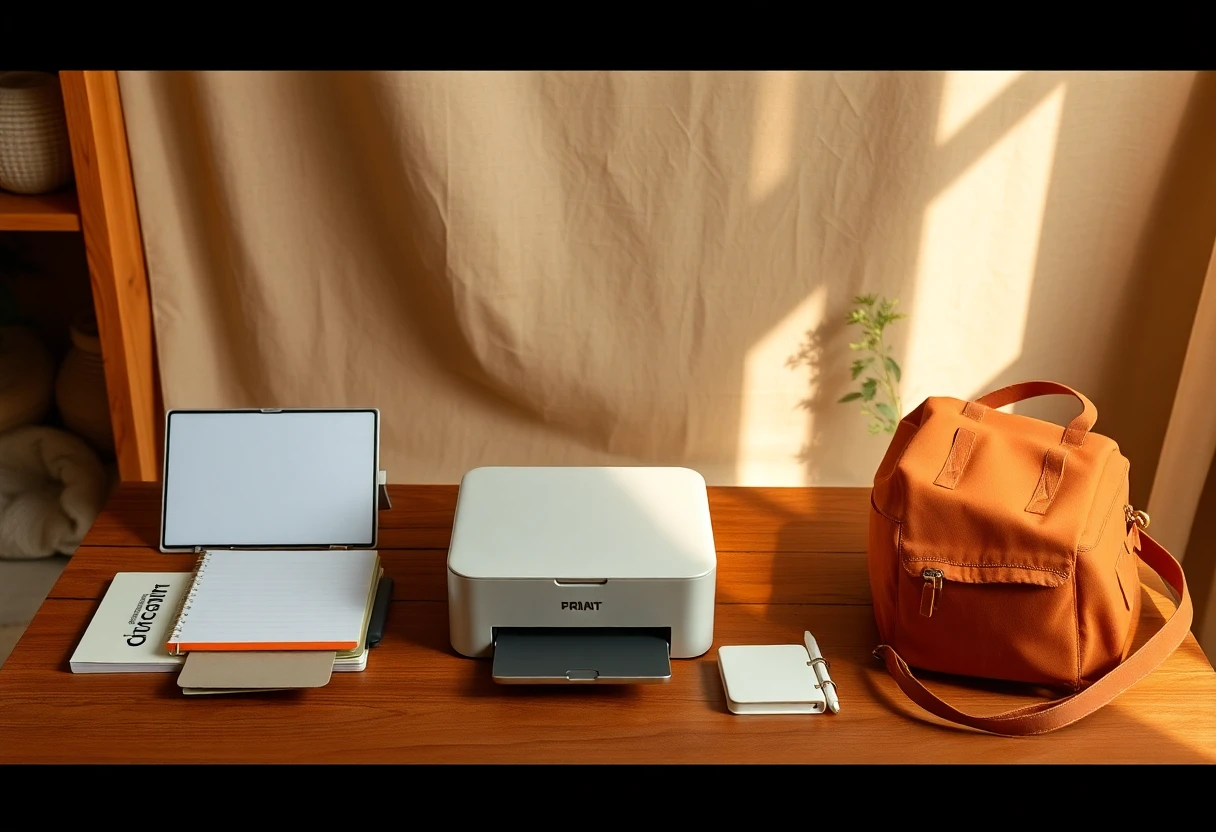
Rongta’s portable thermal printer is listed at A$48.99, supports Bluetooth, works with Android, iOS, and laptops, and prints without ink. The supplied rating is 4.0/5 from 1,131 reviews, lower than the power banks and monitor. That lower score matters: this is a specialised tool, not a universal laptop accessory. Pick it for labels, notes, or quick monochrome documents on the move, and confirm the app experience and paper format before buying.

Danger I Yodel Notebook
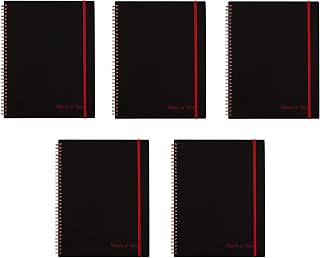
The Danger I Yodel notebook costs A$12.09 and has 120 lined pages, a date section, and a 6-by-9-inch format. It has no meaningful computer function, so it should not be confused with the Rongta printer or a digital productivity tool. Still, it is a cheap companion for handwritten meeting notes, travel lists, or a novelty gift. Buy it for the joke and paper format, not as a laptop accessory upgrade.

Who should buy what
For most laptop owners: choose the UGREEN power bank if you regularly work away from outlets, or the Kamoon stand if neck strain is the daily annoyance. The stand costs only A$11.87, so it is the easiest low-risk purchase.
For a mobile workstation: pair the Kamoon with the ARZOPA monitor. That combination costs A$171.86 on the supplied prices and adds both better screen height and a second display, without replacing the laptop.
For a new computer: the ACEMAGIC is the value play at A$812.24, with 24GB RAM and a 512GB SSD. Choose the MacBook Air at A$2,247 if you specifically want its M5 platform and premium compact-laptop experience, and verify the missing battery and rating details first.
For travel: MATEIN is the sensible carrier for larger loads; Bellroy suits a 14-inch laptop and a lighter commute. The Rongta printer belongs to a narrow use case, while the notebook is a novelty extra rather than a computer purchase.
My shortlist is UGREEN for charging, Kamoon for ergonomics, ARZOPA for a second screen, and ACEMAGIC for a lower-cost laptop. The rest only make sense when your routine matches their specific job. For the next step in building a setup that feels comfortable rather than improvised, read Build a Better Laptop Setup: Desk vs Chair vs Storage.